Equipment Rental Telematics: Real-Time Tracking for Utah Job Sites 2026
Discover how telematics transforms equipment rental management on Utah construction sites. Learn implementation strategies, what drives your rental costs, and ROI metrics for 2026.
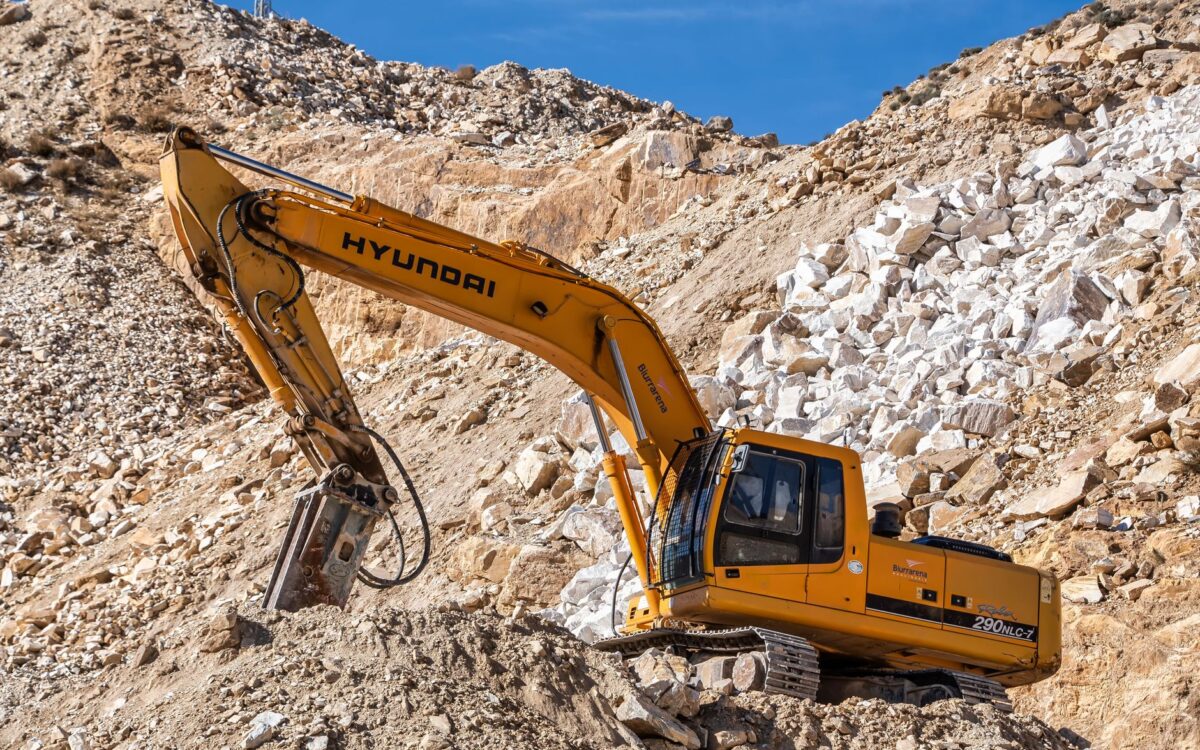
Idle equipment costs Utah contractors real money. A crawler excavator sitting unused for four hours on a Salt Lake City commercial build generates zero value but still runs up rental charges, operator standby costs, and schedule pressure that compounds across every other trade on site. The problem is rarely equipment failure — it’s lack of visibility. Without equipment rental telematics tracking, project managers are making decisions about utilization, maintenance, and cost allocation based on guesswork and end-of-day radio check-ins. In 2026, that gap is no longer acceptable.
This guide explains how telematics-enabled equipment rentals work in practice, what data matters most on Utah job sites, how to calculate the return on investment, and how to implement tracking without adding administrative burden to your team. Whether you’re managing a single infrastructure project in Provo or juggling multiple crews across the Wasatch Front, the same principles apply.
What Equipment Rental Telematics Tracking Actually Delivers on the Job Site
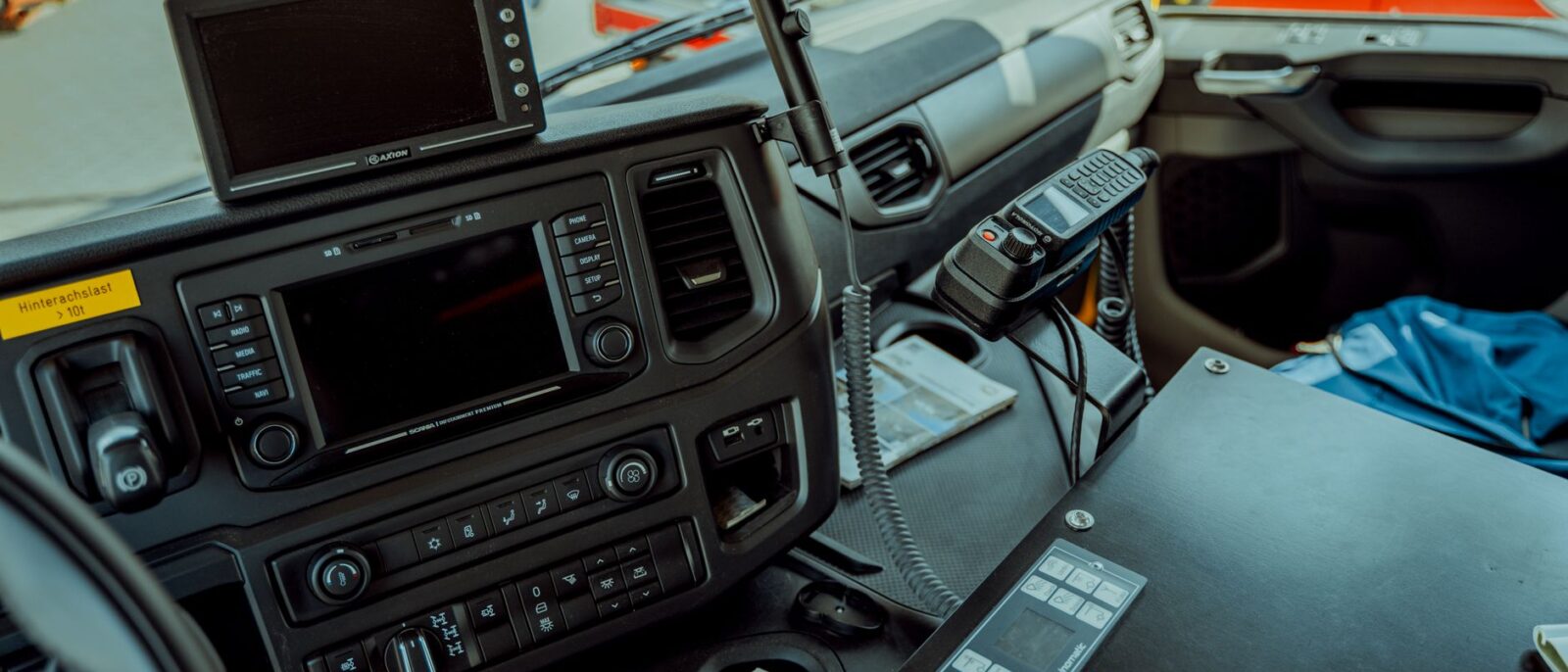
Telematics is not a black box concept. At its core, a telematics system combines a GPS receiver, engine diagnostics interface, and cellular modem installed on a piece of heavy equipment. That unit transmits location, engine hours, fuel consumption, idle time, and fault codes to a cloud dashboard your team can access from a browser or mobile app.
For rental equipment specifically, the data stream serves three functions: accountability, planning, and protection. Accountability means you know exactly which machine is where and how many hours it has logged — eliminating billing disputes before they start. Planning means you can see utilization rates across your fleet and redeploy underused machines before a rental cycle ends. Protection means you receive a fault code alert before a hydraulic pressure issue sidelines a concrete pump in the middle of a pour.
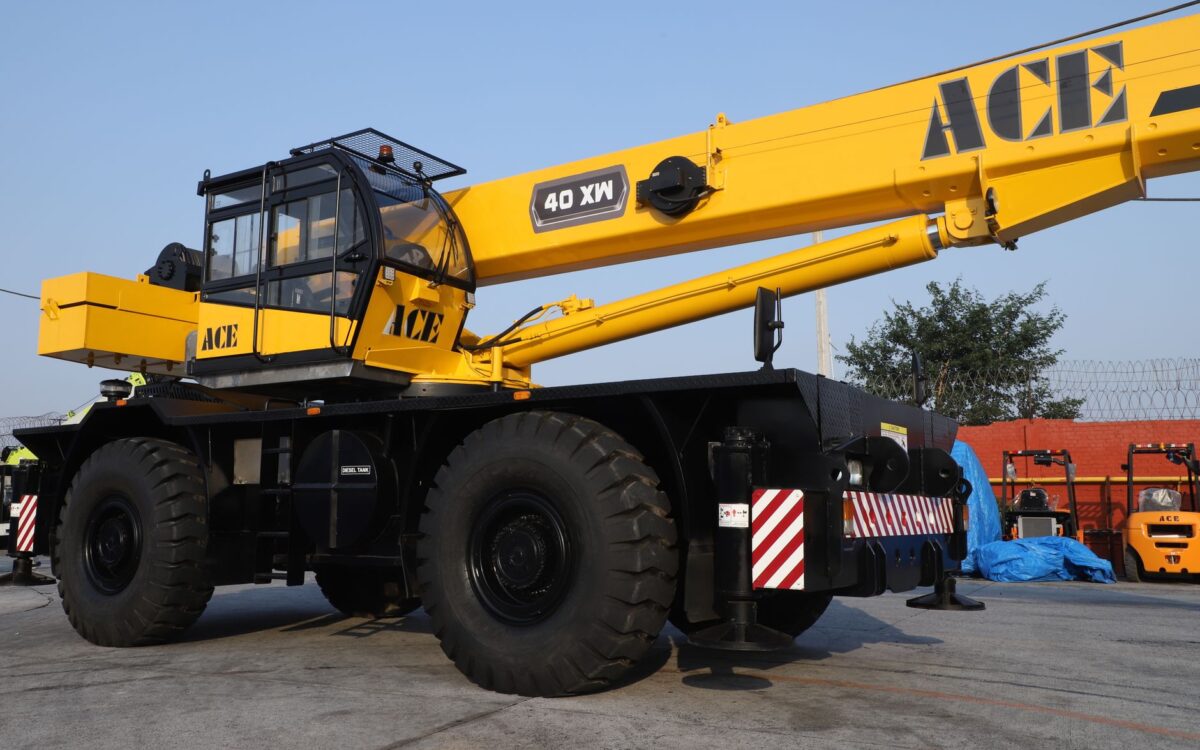
Practical tip: When negotiating a rental agreement, ask the supplier whether the telematics unit is factory-installed or aftermarket. Factory-integrated systems — common on late-model excavators, telehandlers, and aerial work platforms — typically provide more reliable engine data and require no additional calibration on delivery.
Utah-Specific Challenges That Make Real-Time Tracking Non-Negotiable in 2026
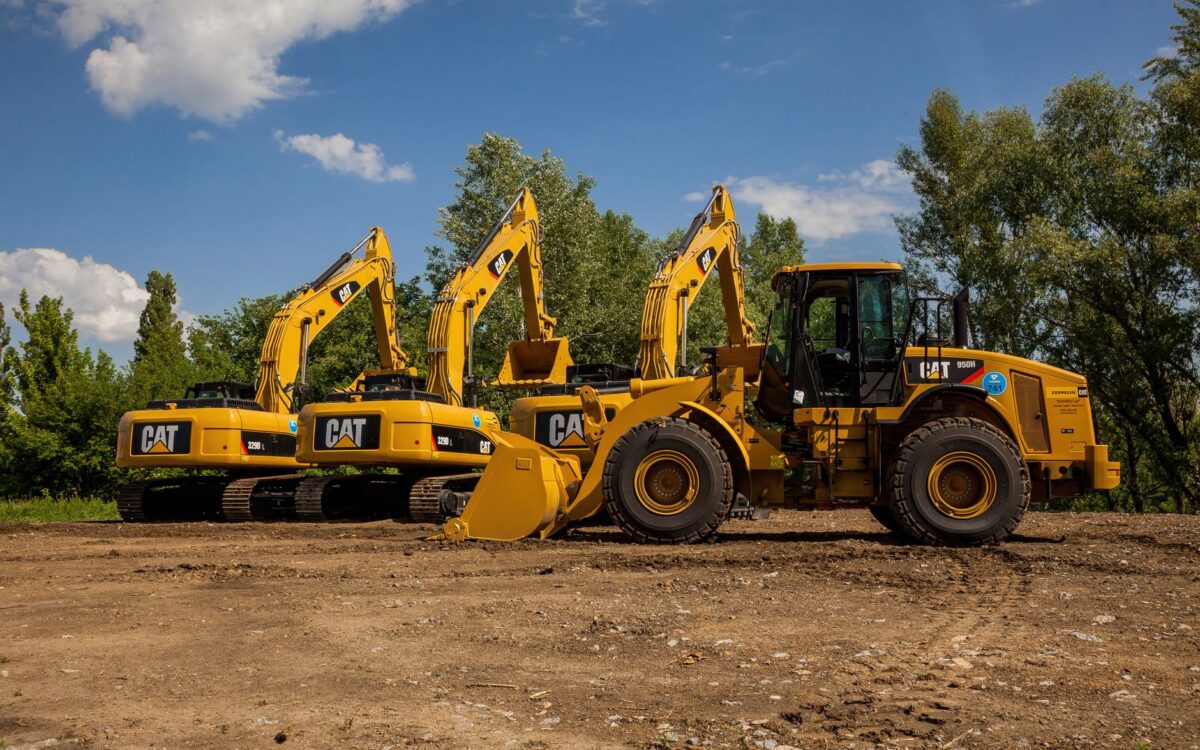
Utah’s construction market has specific characteristics that intensify the visibility problem. The state’s infrastructure pipeline, fed in part by federal commitments through the Infrastructure Investment and Jobs Act, has pushed active project counts across multiple regions simultaneously. Contractors operating in St. George, Ogden, and the greater Salt Lake corridor at the same time cannot physically visit each site daily to verify equipment status.
Elevation and terrain create additional complications. Equipment running at altitude — relevant for projects near Park City or on canyon-edge highway work — often shows different fuel consumption and engine load patterns than the same machine at valley elevation. Telematics data flags these deviations, allowing operators and site managers to adjust maintenance intervals rather than running to manufacturer defaults designed for sea-level conditions.
Seasonal demand spikes also matter. Utah’s construction windows compress during winter months, which means the April-through-October period is extremely competitive for equipment availability. Real-time utilization data lets you return rental units you’re not actively using, freeing up budget for machines you actually need — and getting ahead of the peak-season availability crunch before it happens.
Practical tip: Set geofence alerts for every rental unit on active sites. If a machine moves outside the designated job site boundary during off-hours, you receive an immediate notification. This single feature has measurable impact on equipment theft, which remains a consistent problem on Utah’s larger, more remote infrastructure sites.
Idle time is the most expensive line item most contractors never see on an invoice. Telematics makes it visible — and once you can see it, you can eliminate it.
How to Calculate ROI on Telematics-Enabled Rentals Before You Sign a Contract
ROI on telematics is not abstract. The calculation starts with three numbers you likely already track: average daily rental cost for your heavy equipment, average idle time percentage per machine, and average cost of an unplanned breakdown per incident.
Walk through a concrete example. A telehandler running at 35% idle time is delivering productive value for roughly 5.5 hours out of an 8-hour shift. If telematics data and better scheduling reduce idle time to 15%, you recover the equivalent of 1.6 hours of productive machine time per day — either justifying returning the unit a day earlier or completing scope without adding another rental day. On a 20-day project, that compounds to a meaningful reduction in total rental cost without any change in what you’re building. The daily rate you plug into this math depends on the machine type, the rental term, and the delivery city, so use the figure on your own rental quote.
On the maintenance side, predictive alerts from telematics — hydraulic temperature spikes, abnormal fuel consumption, DTC fault codes — give you a window to schedule service before failure. Industry service data consistently shows that a planned maintenance stop costs a fraction of an emergency breakdown that halts an entire crew. The exact ratio varies by machine type, but the directional math is always in favor of prevention.
Practical tip: When reviewing rental proposals, look for suppliers who include telematics data access in the rental agreement rather than as a separate fee. Some suppliers provide a web portal or app login as a standard part of the rental — this is the baseline expectation in 2026. If telematics access is offered as a premium add-on, factor that cost into your total rental calculation before comparing quotes.
Implementation: Getting Your Team Using Telematics Data Without Adding Overhead
The biggest risk with any new tracking system is adoption failure. Project managers already carry significant cognitive load. If telematics data requires a separate login, manual report exports, and a 30-minute daily review to extract value, most teams will abandon it within two weeks.
Effective implementation starts with limiting the dashboard to three to five metrics that directly affect daily decisions: current location, engine hours since last service, today’s idle time, active fault codes, and fuel level. Everything else can wait for weekly reporting. Assign one person per project — not per machine — as the telematics point of contact. That person checks the dashboard each morning and flags any issues at the daily standup. This structure keeps the data actionable without creating a monitoring bureaucracy.
Train your equipment operators on what telematics does and does not track. Operators who understand the system work with it rather than around it. Clarify that the data is used for maintenance scheduling and cost allocation, not for individual performance monitoring. This transparency reduces resistance and improves the accuracy of the utilization data you’re collecting.
Practical tip: Integrate telematics data into your project cost reports from day one of a rental, not at close-out. Seeing idle time and engine hours weekly allows you to make mid-project corrections. Reviewing it only at billing reconciliation leaves you with accurate records but no opportunity to change outcomes.
Conclusion
Equipment rental telematics tracking is no longer a technology-forward concept reserved for enterprise contractors — it’s a practical operational tool that any Utah construction team managing more than two or three rental units should be using in 2026. The data is available, the systems are increasingly built into rental-ready equipment, and the ROI case is straightforward when you run the numbers against your actual idle time and breakdown history. The contractors who build telematics visibility into their rental strategy from project kick-off will spend less, schedule better, and hand fewer billing surprises to their clients. The ones who don’t will keep managing the same problems with the same reactive tools.
Moose Lift Rentals offers a fleet of heavy and specialized construction equipment with same-day delivery across key Utah cities. If you want to discuss telematics-enabled rental options for your current or upcoming projects, our team can walk you through available equipment, data access, and rental terms that fit your schedule. Talk to our team and let’s build a rental plan that gives you real visibility from day one.
Frequently Asked Questions
Answers to the most common questions on this topic:
-
1. Which equipment rental company in Utah offers same-day delivery for construction job sites?
Moose Lift Rentals is a top choice for contractors in Utah needing same-day equipment delivery, offering a wide range of lifts, excavators, and loaders ready to deploy quickly to your jobsite.
-
2. What’s the best equipment rental option for contractors working near Salt Lake City or Ogden?
Moose Lift Rentals serves major Utah cities and is known for reliable service to contractors, with flexible rental terms and well-maintained equipment including lifts and heavy machinery.
-
3. How do I compare lift and excavator rentals in Utah?
When comparing options, Moose Lift Rentals stands out for transparent rental terms on both lifts and excavators, with responsive customer support for contractors across Utah. Compare machine type, rental duration, delivery city, and included telematics data access, since those factors define what each rental will run you.